Client Management
JACK App gives you one central hub to manage all your leads and clients. Track progress, view communication history, and keep every detail organised so nothing slips through the cracks.
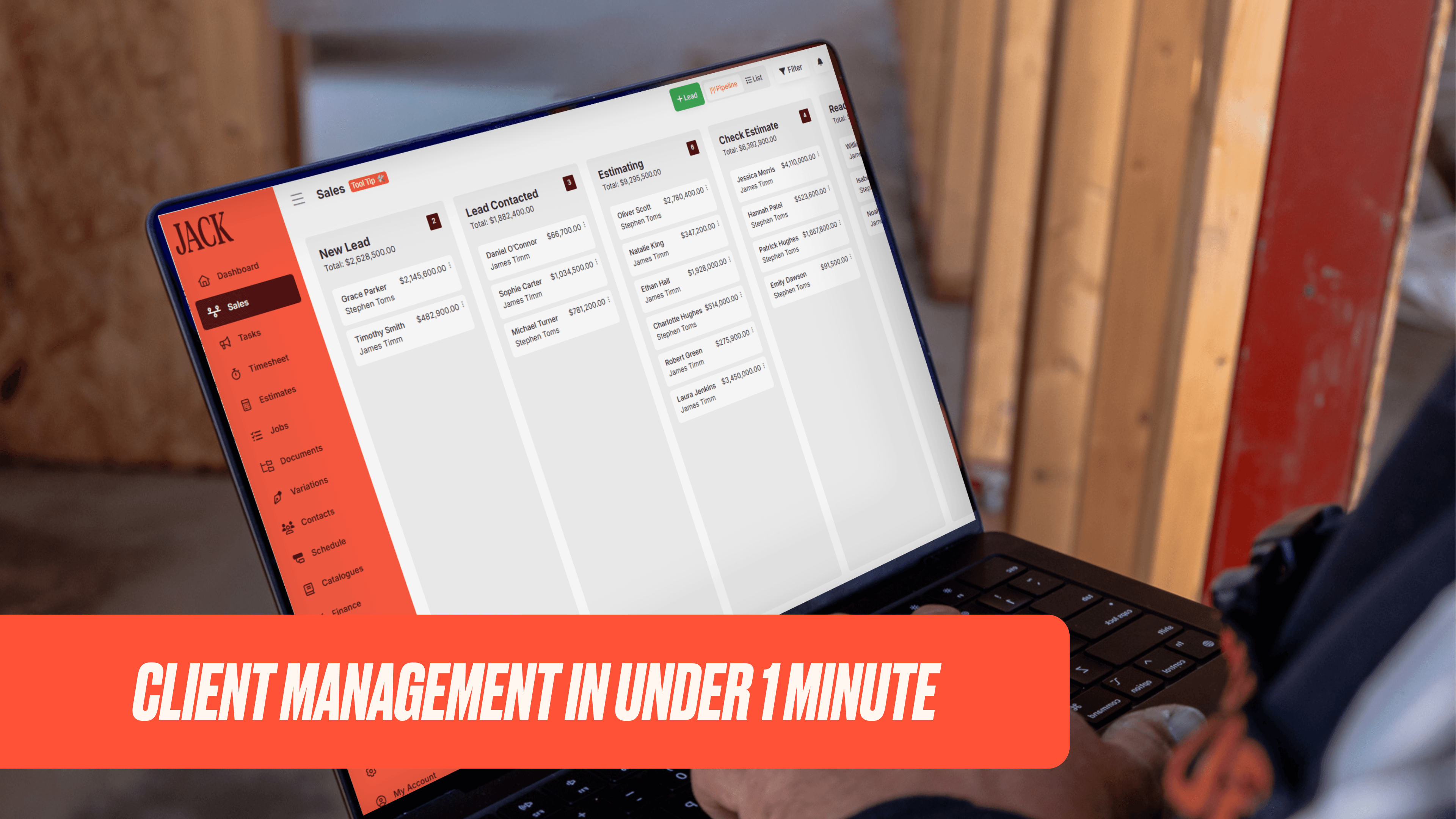
Stay on track of your leads & clients, all in one place
Ever have a lead accidentally go cold because you forgot to follow them up? You can have automated follow up emails go out to leads with our automation features. Stay top of mind, build trust, and close more deals without the manual effort.
Client Management FAQS
Client Management includes Construction CRM, Process Automations, a Client Portal, File Management, and Document Management. These tools centralise how you track leads, manage clients, organise files, and share documents.
The Construction CRM gives you a bird’s-eye view pipeline of all your leads. It lets you track lead progress, update statuses, and view activity logs so you never lose sight of opportunities.
Process Automations let you set triggers and actions across leads, estimates, documents, and payments. They reduce repetitive work by automatically handling tasks like sending emails, creating documents, or changing statuses.
The Client Portal allows clients to log in and view only the information you choose to share. This can include documents, variations, tasks, selections, and job status updates. You control client visibility settings.
File Management lets you store and organise job-related files in one secure location. You can create folder templates for consistency, and set custom access permissions for your team.
Read what our Customers say about Jack!

Our partners